














Recently viewed
Your Browsing History


Control your console or PC games remotely — right in your hands. With abxylute One Pro, your favorite titles from PlayStation, Steam, or NVIDIA PC are always within reach.

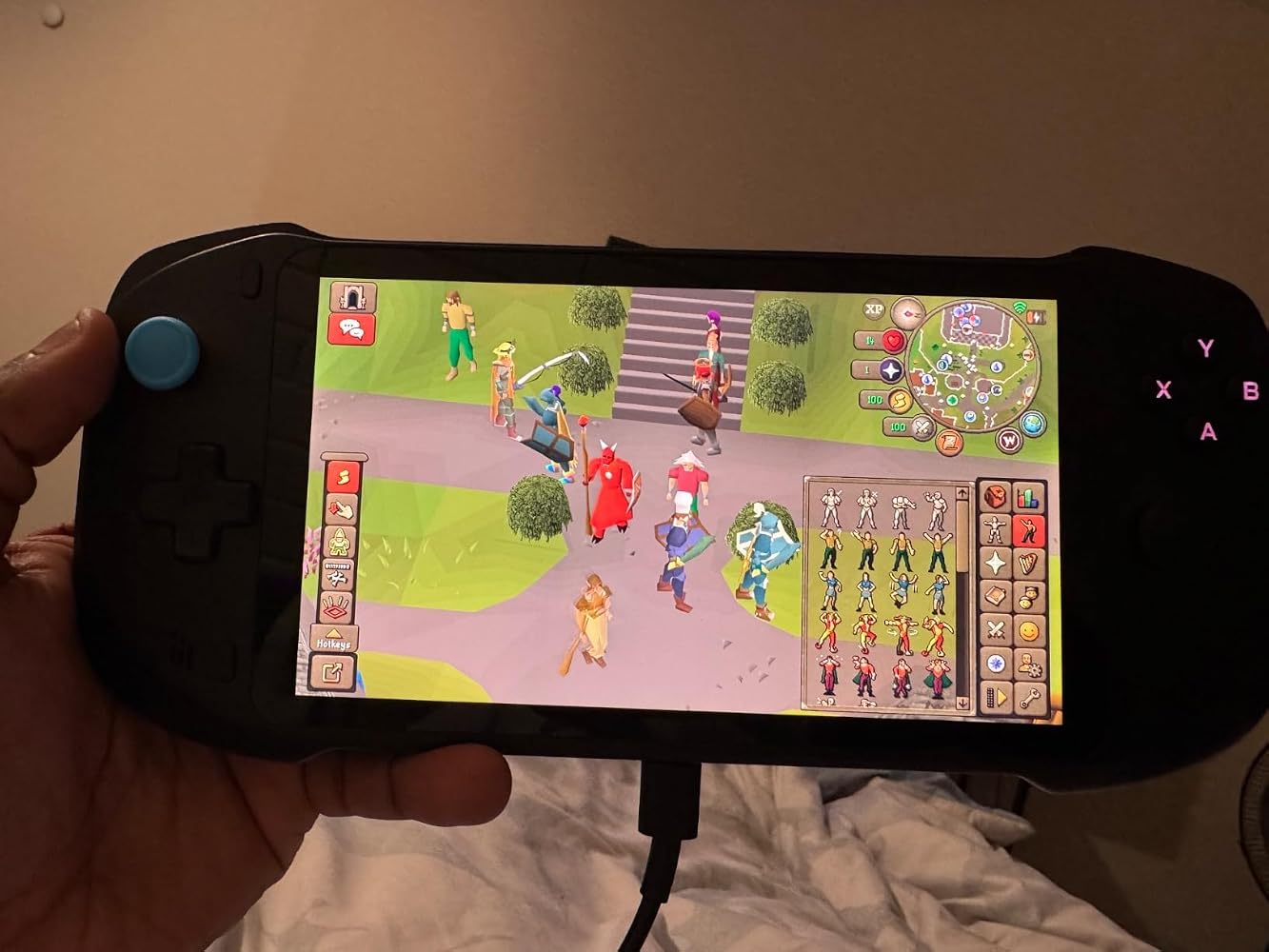
Play your favorite mobile titles directly on the abxylute One Pro without any extra setup. With Android OS support, you can download and enjoy games like: Genshin Impact, Call of Duty: Mobile, PUBG Mobile, and Asphalt 9.

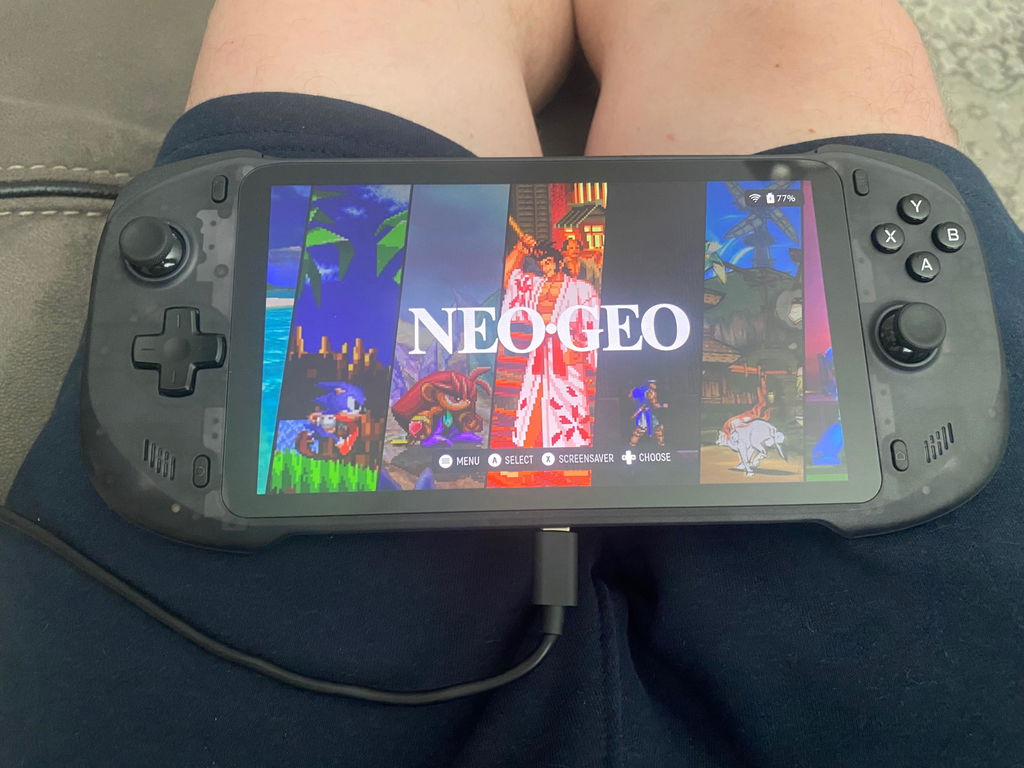
Old-school fun, new-age performance. The abxylute One Pro supports a variety of popular emulators, letting you revisit legendary titles from: NES / SNES / GBA / PSP / PS1 / N64 / Dreamcast, and more.


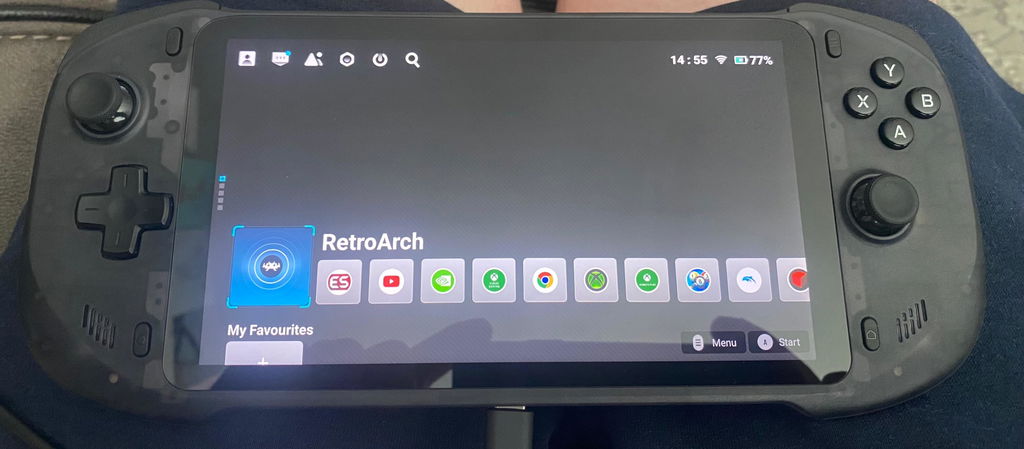
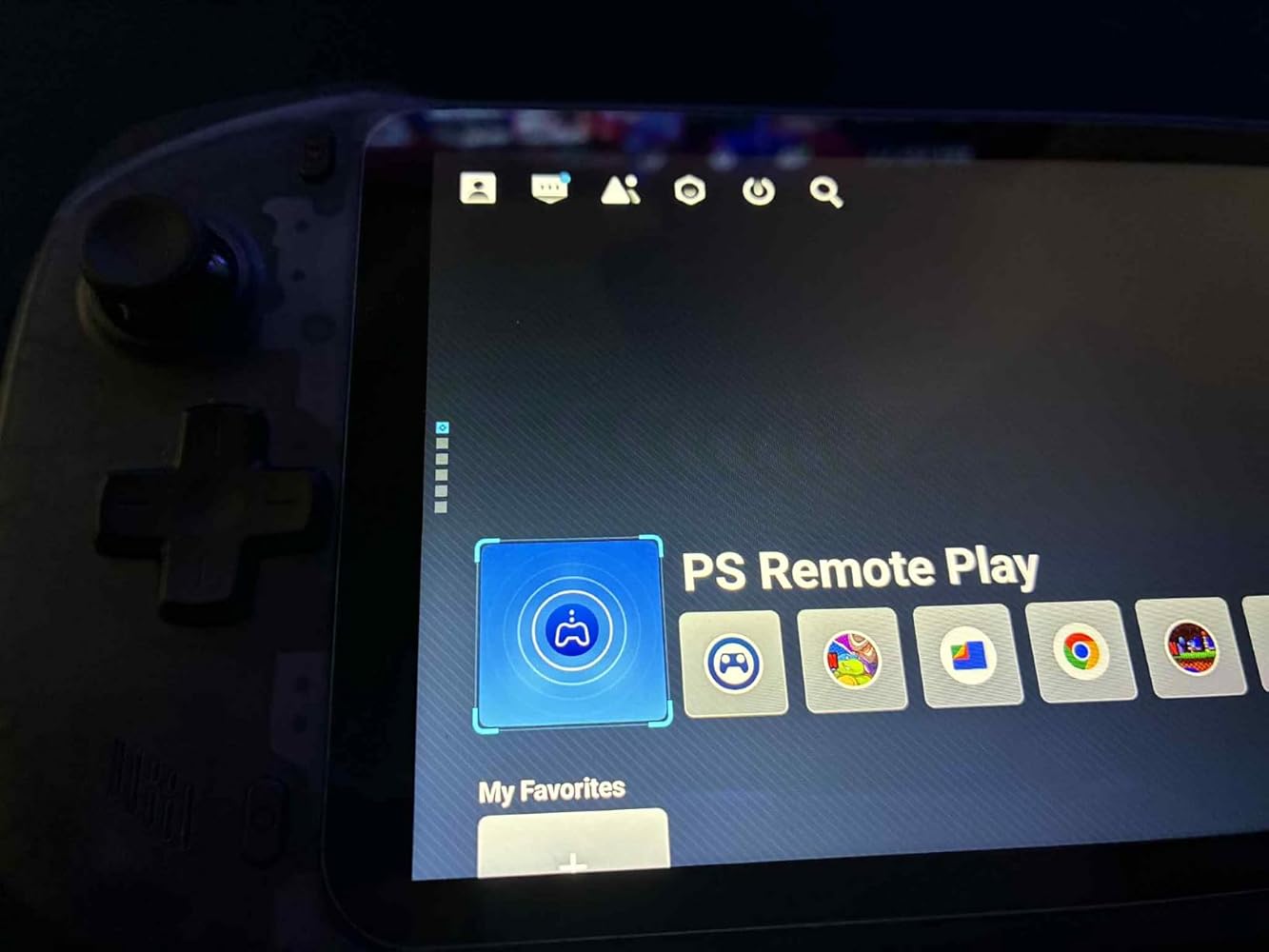
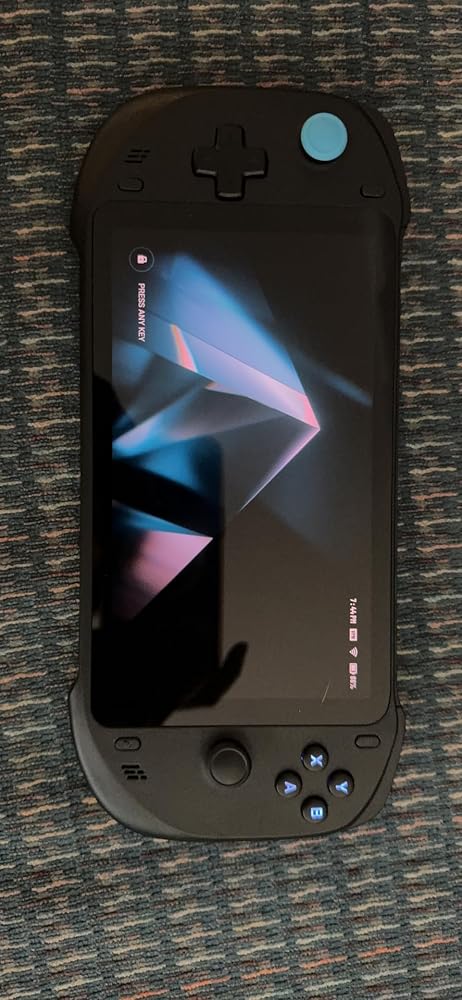
Access your entire library with a single tap.The redesigned launcher brings a clean UI, instant access to your favorite titles, and seamless switching between cloud gaming, emulation, and mobile games.


I bought the original one and the pro... and my kids and I enjoyed then both.
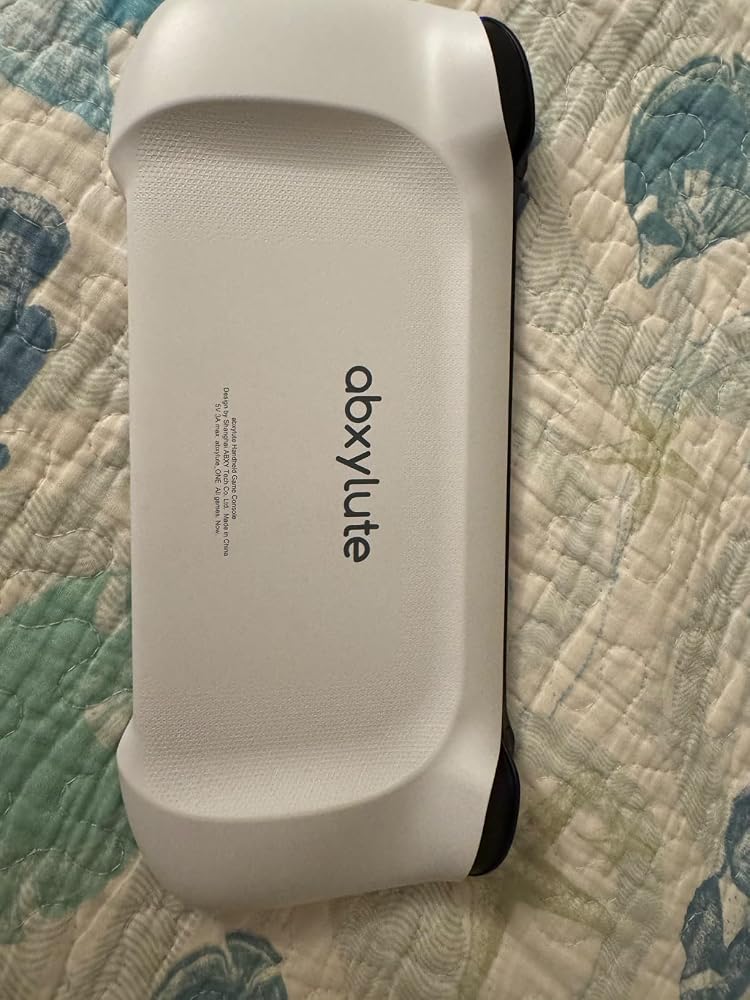
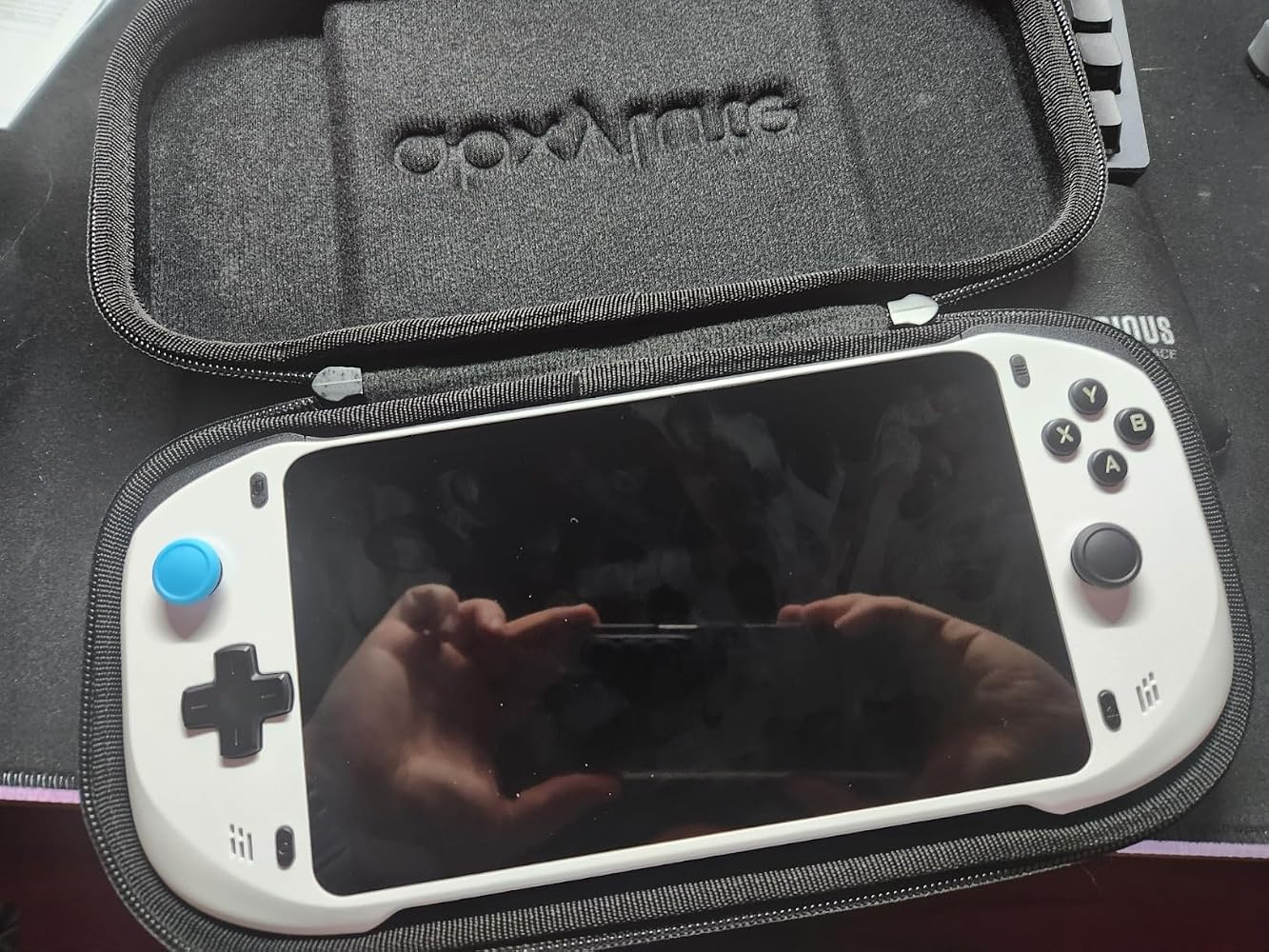
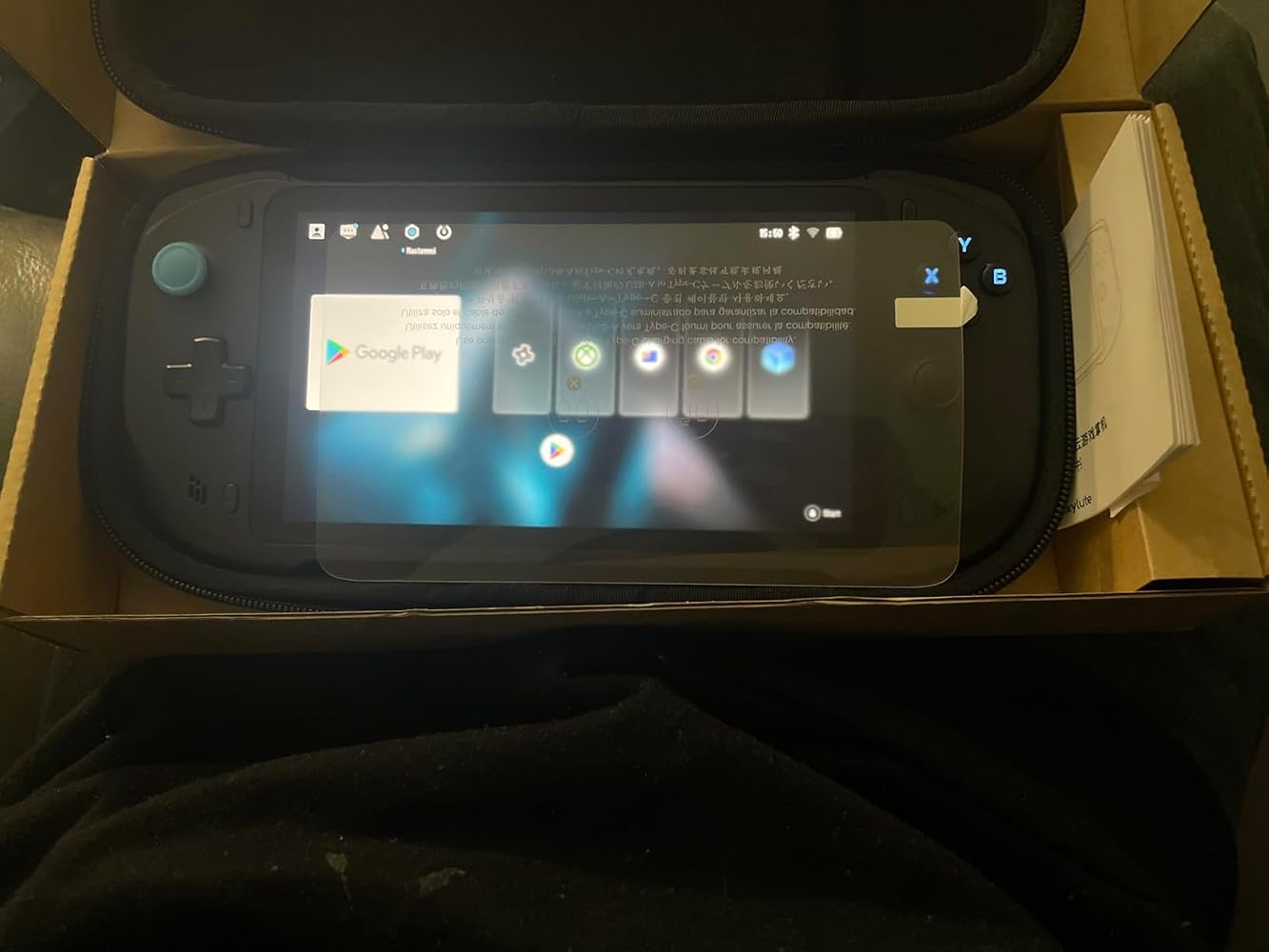
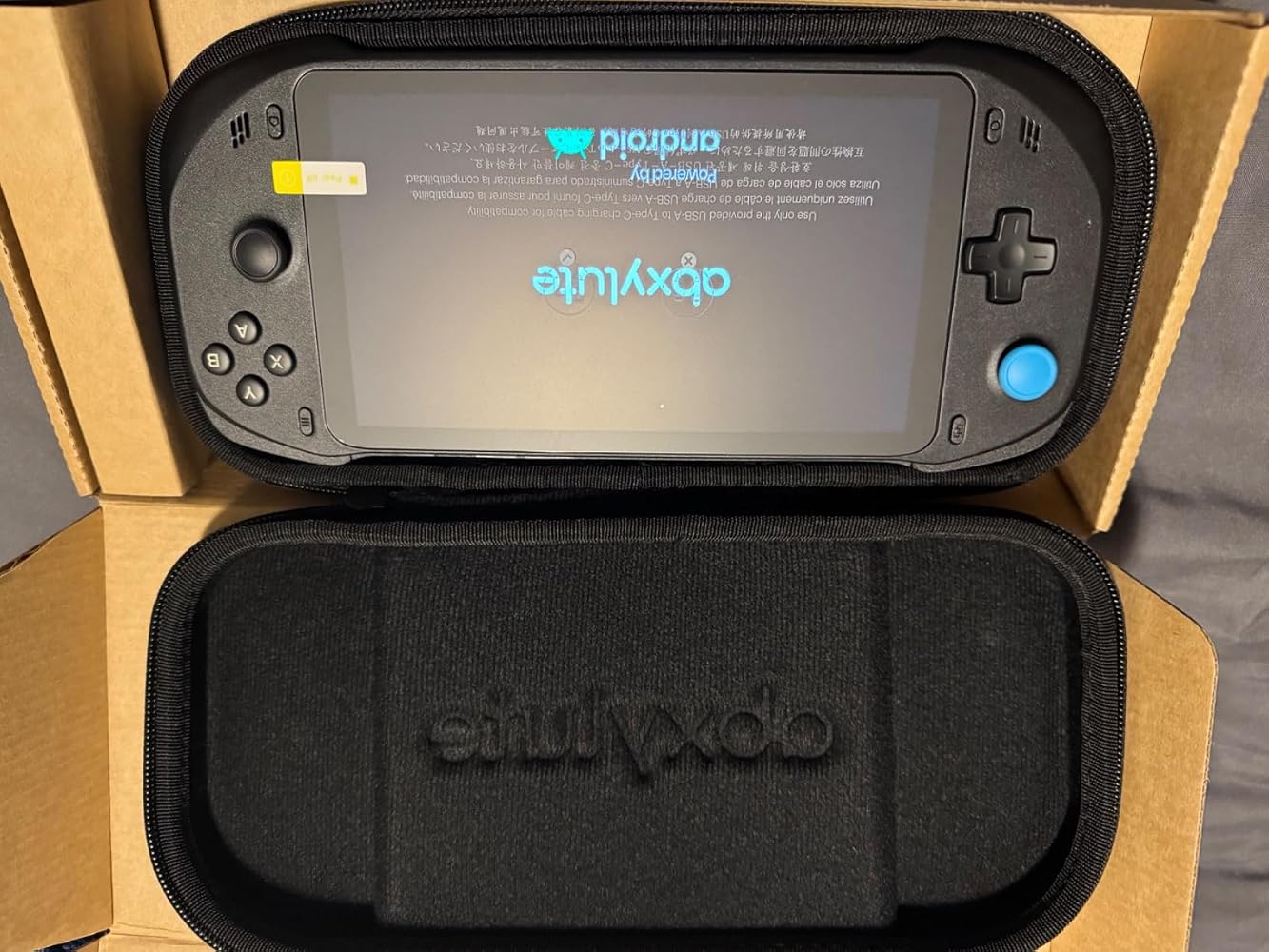
I’m really happy with the abxylute one pro. I got it with the hard case and screen protector included.
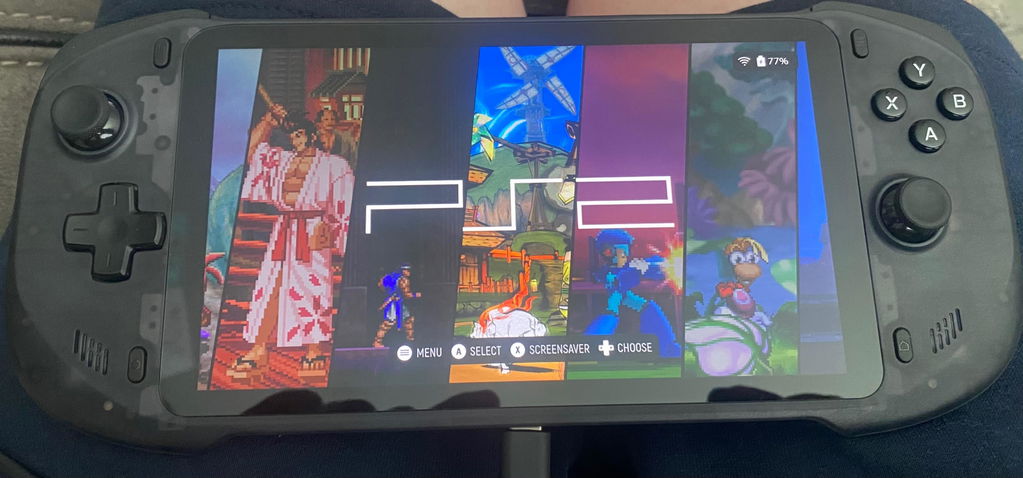
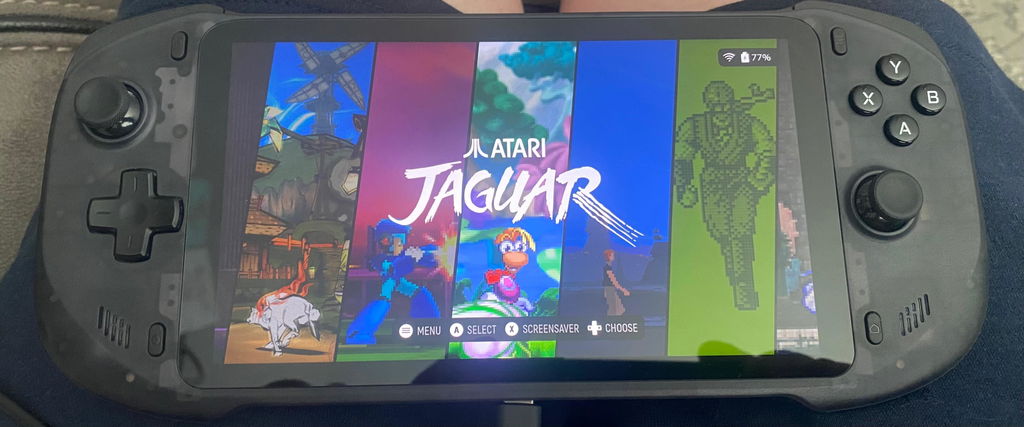
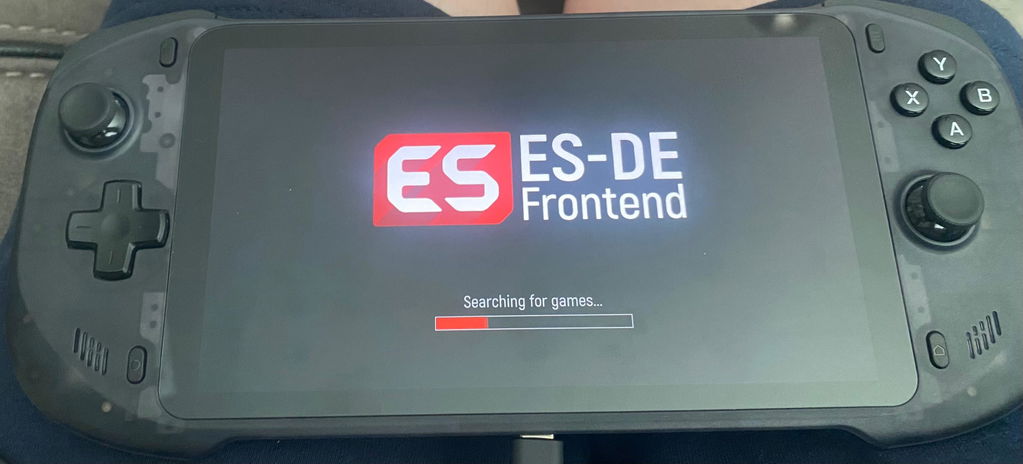
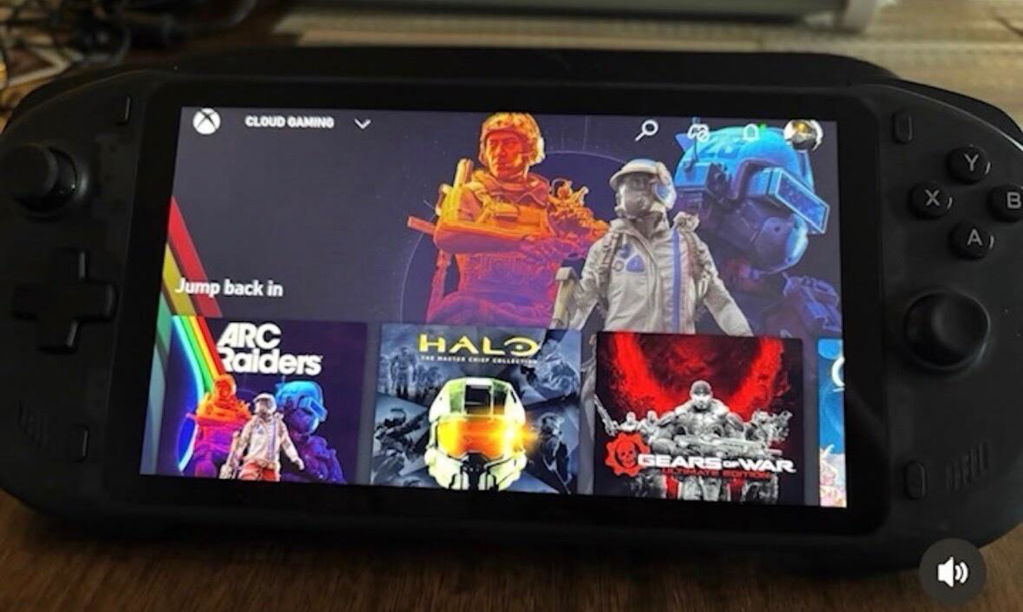
Playing games via the cloud on Xbox and using it for streaming direct from my Xbox Series X has been really good. Emulation is also as good up to Game Cube, PS2 emulation struggles with higher demanding games like GT3 but that said with some tweaking of the emulator settings it can be quite playable. I chose to use ES-DE as the front end working with Retroarch and installed separate emulators for GC, PS2, PSP etc.
Battery life is pretty good even with the screen brightness set to almost 100% and with Bluetooth headphones connected.
All in all I recommend the abxylute one pro if you want a cheaper way to access cloud gaming and emulate older game systems. It’s perfect for what I need.
This is the second one pro ive purchased and I can definitely say ive been extremely happy with my one pro and will never need a handheld ever again. The price was amazing and the unit continues to get better with updates. Highly recommended to any gamer.
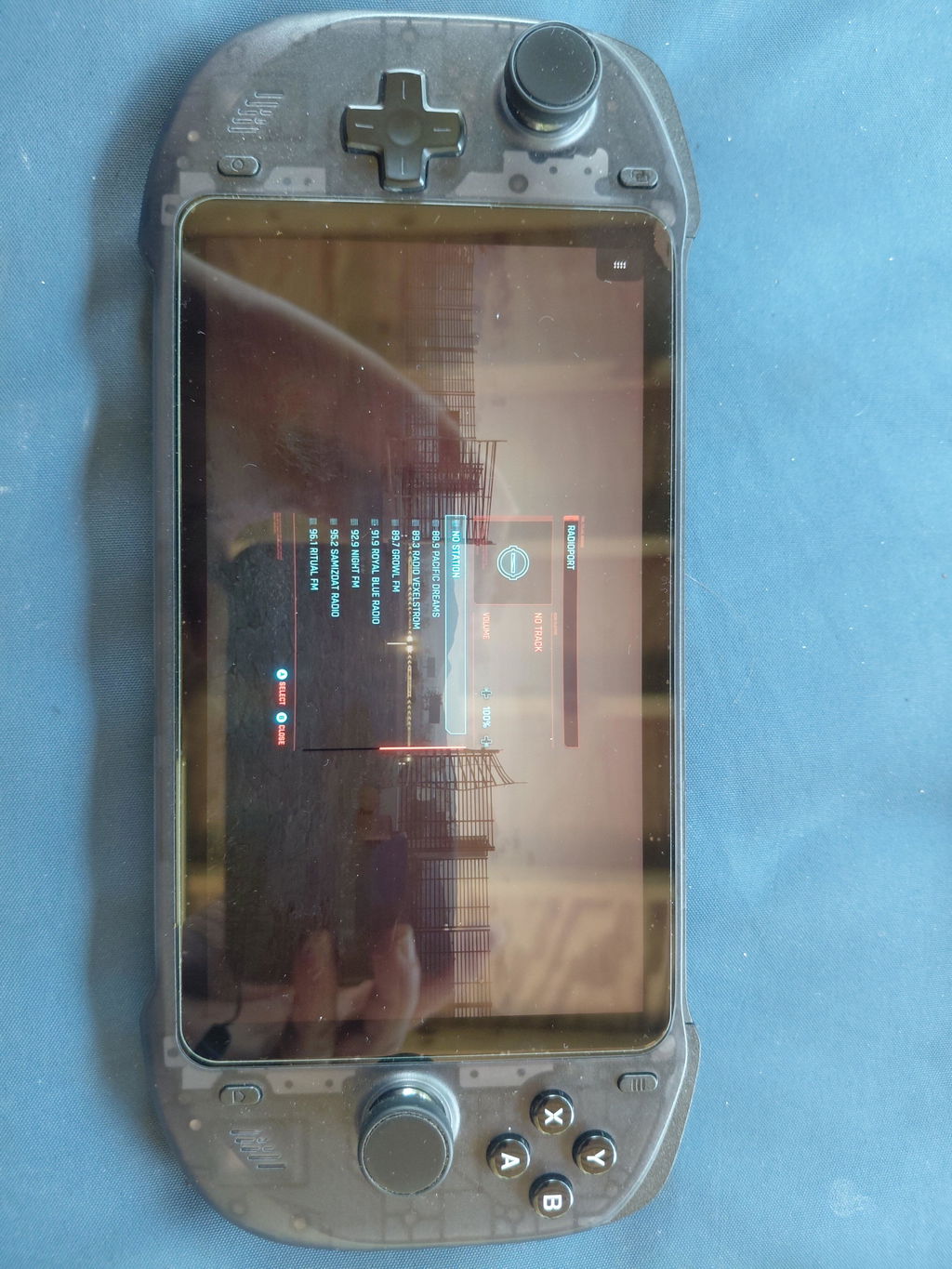
I use my Abxylute One Pro for cloud gaming and it has been rock solid! I did add my own $10 ethernet adapter and I get gigabit speed bandwidth and it has worked wonderfully so far! Has its own front end on it but can be switched to full android tablet mode and all your streaming apps, social media etc can be used. Unit has heft and is well made. A VERY nice touch was Abxylute sending a C8 bluetooth controller to me for sharing my unboxing photos and feedback. These present a great price to entry for streaming at half the cost of a Switch 2 or gaming handheld. Great work Abxylute!
I’m not going to lie - after I got abxylute’s USB-C controller, I knew I had to try out their cloud gaming console. This thing is LIT! The price compared to other cloud gaming consoles isn’t bad at all, and it plays everything I want to, and even supports direct remote play! I love this thing, and most of all Fortnite, Halo, and a few others, and I can enjoy all that and more on this awesome console. I highly recommend it!
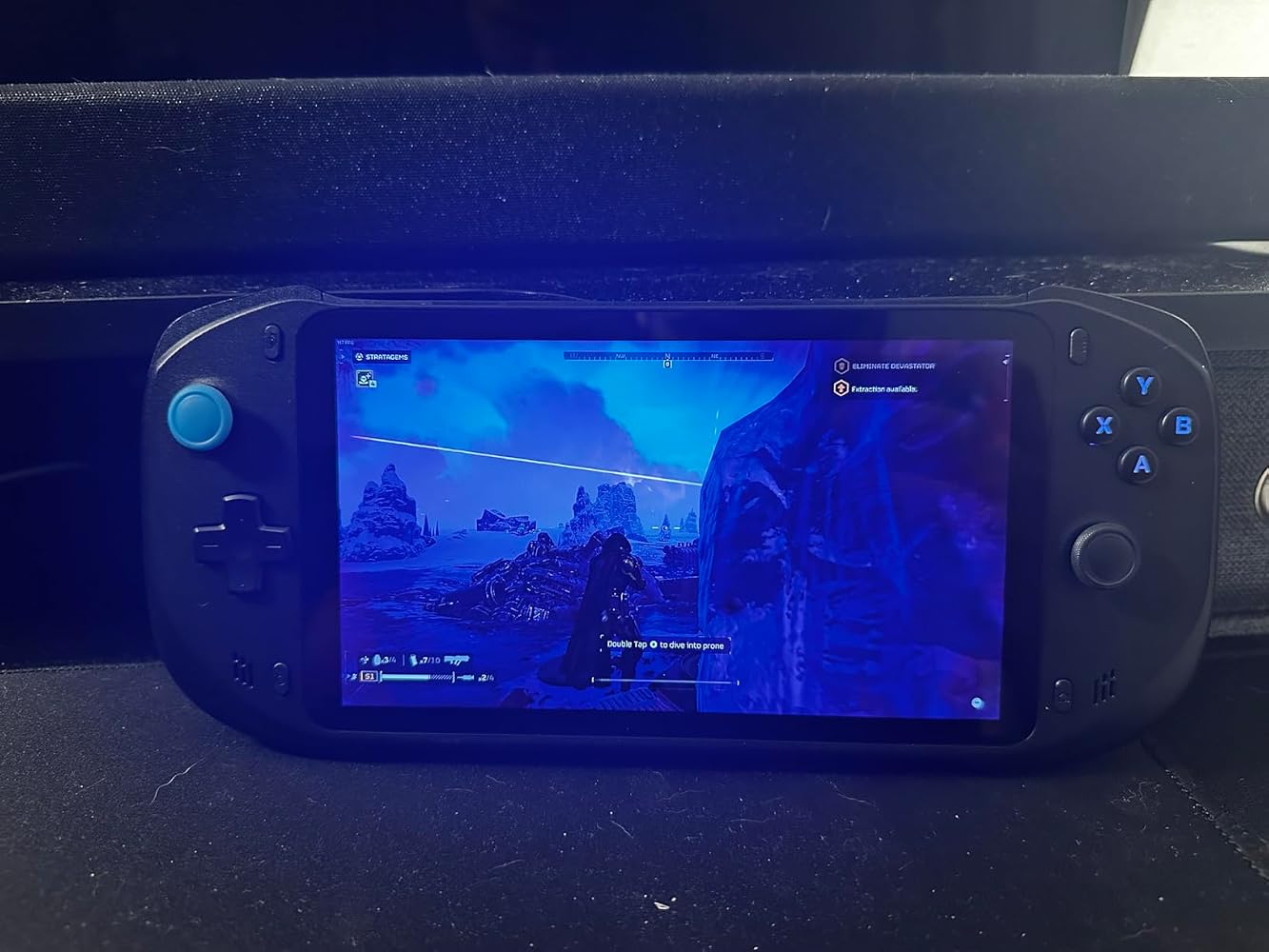
I picked up the Abxylute One Pro specifically to stream games from the couch, and it’s been absolutely perfect for that. I’m on Comcast with 600mbps download speed and haven’t had a single issue with connectivity or lag. Most of my time has been spent playing PS5 titles via Remote Play, and I’m genuinely impressed by how good it feels especially with fast-paced games like Apex Legends. The sticks do take a little getting used to if you’re coming from a DualShock, since the layout is more like an Xbox controller, but once you adjust, it’s smooth sailing.Steam Link has also been great. I’ve been playing Elden Ring Nightreign and it looks fantastic and runs smoothly. Just a heads-up, for Steam Link you’ll want to dive into your PC’s Steam settings under Remote Play, it has a bunch of options you can tweak to optimize performance.A quick tip for anyone using PS5 Remote Play: I had an issue where the app kept crashing. What worked for me was going into the Abxylute One Pro’s settings, scrolling down to “More Settings” (which opens the Android system settings), then going to “Apps,” finding the PlayStation Remote Play app, force quitting it, and clearing the cache. That fixed the issue right away and Remote Play has been stable since.Beyond streaming, I’ve tested a couple of emulators, Flycast for Dreamcast and PPSSPP for PSP and both run great. I’ve also tried a few of the free Android games that come with Netflix, like TMNT: Shredder’s Revenge, and it runs flawlessly and looks sharp.One last tip, make sure to disable HDR in your games before streaming. If HDR is on, the visuals can look washed out or off during gameplay.Overall, this device nails what I bought it for. If you’re looking for a reliable, comfortable cloud gaming handheld that also handles emulators and Android games well, this one’s a winner.
This device surprised me. I thought it was just gonna be a glorified streaming device. It's proven to be so much more.Streaming 4K playback content like YouTube and Netflix that look great on this screen. Also, Emulation is pretty solid. Playing PS2 and GameCube games reliably. And Android gaming is really good too. I was playing BlazBlue Entropy Effect on high settings.And game streaming is really good. Which is to be expected. Overall, much better value proposition than the GCloud or PlayStation Portal.
I bought the Abxylute One Pro as my first cloud gaming handheld, and I’ve been very happy with it so far.Moonlight (Apollo) streaming from my PC works perfectly — smooth gameplay, low latency, and the 7″ full HD screen looks sharp and bright. Native Android games also perform really well, though I do wish the device had more RAM for heavier titles. Cloud gaming services (like PS Remote Play) are very playable — occasional lag depending on Wi-Fi, but overall solid.The build feels sturdy, battery life is good, and the system runs cool and quiet. My only small complaints are the lack of backlit buttons/joysticks and that the shape could be a bit more comfortable for larger hands (some grip accessories would be great).Overall, a great portable gaming device for streaming and Android gaming. Would definitely recommend it for anyone looking to get into cloud handhelds without breaking the bank.Pros:Smooth Moonlight / Remote PlayGood display and batteryQuiet, cool operationCons:Only 4 GB RAMNo backlight on buttonsSlightly small grips for large hands
Screen and speakers are pretty good for a cloud focus gaming handheld. The plastic feels good for the price.
This is the product i needed! It is much better than connecting a controller to your phone because of its perfect screen size. I hope the next model has a higher refresh rate screen, at least 90 Hz with 1080p would be perfect.
If you are looking for something simple for sunshine and moonlight this is the device. Works flawless and have been playing madden for a few hours with no fatigue.
This device is my first game streaming console and it’s good at what it does . Streaming !!! I had to adjust the joy sticks they were way too sensitive but nothing some kontrol freek can’t fix also there’s an app called keylinker which you can adjust the joysticks
Great little streaming handheld! Joystick are a the same as joycons! The grip and edges on the device feels good in the hands! Of course since it’s a streaming device as long as you have a solid connection this thing rocks! It was ALOT slimmer and lightweight than I was expecting! Battery life was great as well!
Has a section of preloaded cloud software so you can install and get to cloud gaming also has google play as well so side emulation is solid as well the sticks are small reminds me of a switch the device is super thin as well was running cod black ops 6 over cloud
I was on the hunt for a gaming console that could handle cloud gaming platforms and retro games, and the abxylute one has been a fantastic find. It's incredibly lightweight, making it easy to take on the go, and the vibrant color display is perfect for enjoying both modern and classic titles.The buttons and sticks are incredibly responsive, ensuring precise gameplay whether I'm streaming a AAA title or diving into a nostalgic adventure. The abxylute one has exceeded my expectations and is now my go-to device for gaming on the go.Also love the fact that it comes with a case already that protects it when I am not using it.
For the around $200 price tag this is a very very good product. The screen is great, the unit feels good to hold and is lightweight. I personally use this to play some emulators on android , stream Xbox game pass and stream my PC games. And yes this can even use PlayStation remote play.Sticks are Hall effect so I don’t worry about drift. The ABXY buttons are LEDs and can be customizable to your liking.Why get the PlayStation portal when you can get this and be able to do so much more. … it even came with a carrying case ! 5 stars 10/10 product
I was a bit skeptical about this device, especially with the low processor. I wouldn’t recommend this device for heavy Android games such as Genshin Impact or Call of Duty, but when it comes to streaming, this thing is amazing.Pros-Great battery life1080 displayGreat ergonomicsGood at streaming gamesCons-Weak processorSluggish interfaceAndroid 12
Purchased this for my sons birthday last October and he hasn't put it down yet. Great build, feels good in your hands. Plays cloud base games very well no lag, also remote play to the XBOX works great as well. I recommend this product.
Your Browsing History